
How to Find
Inactive Accounts
on Bluesky
Quick answer
Open Advanced Filters from a follower or following list, enable Last Post Date, and choose a Before date that matches your definition of inactive.
Steps
Open Advanced Filters
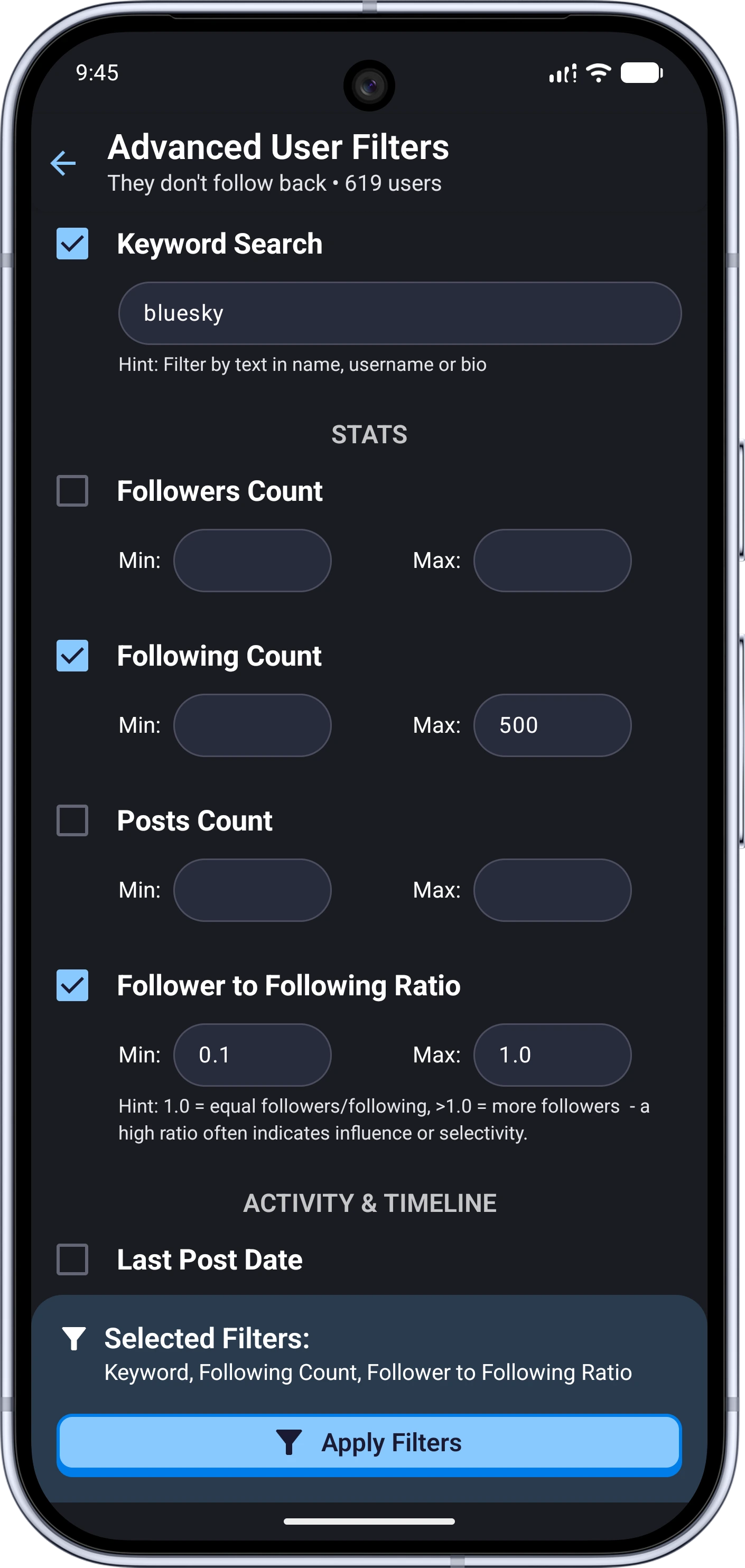
Open the followers, following, or another supported user list and tap Advanced Filters.
Set an activity cutoff
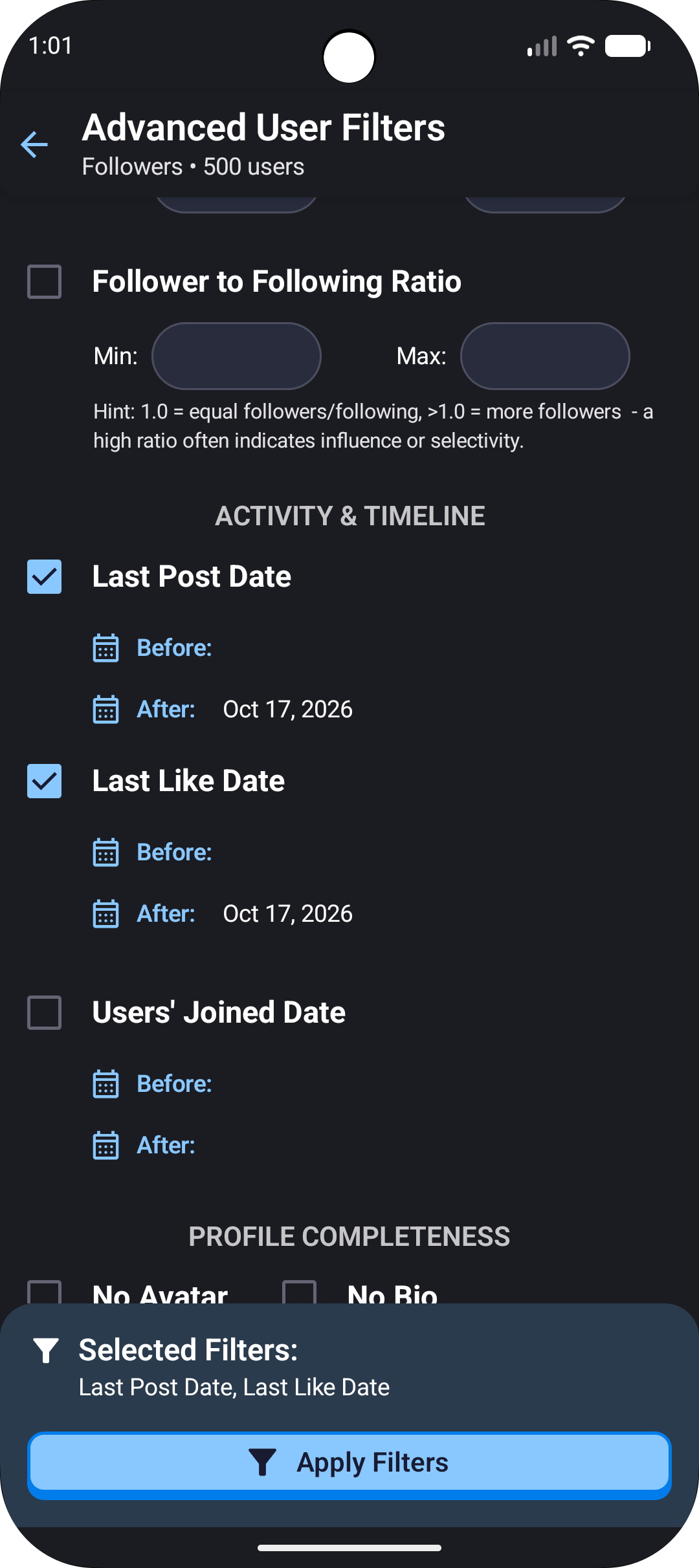
Enable Last Post Date and set Before to your chosen cutoff. You can also add Last Like Date when you want a broader activity check, then tap Apply Filters.
The date controls are shown here. For inactive accounts, use “Before” with your chosen cutoff date.
You decide what inactive means
Bluesky does not provide a universal inactive status. A quiet account may still be used for reading, so review the filtered results before unfollowing anyone.
Ready to Master Your Bluesky Network?
Join 20,000+ users who trust Tracker - Manager for Bluesky to track and manage their Bluesky presence. Download now and see results immediately.